
Plan the practice by workflow, not by shopping list
A useful dental practice equipment list starts with the work the team needs to complete: acquire images, document findings, process instruments, support the operator, move devices safely, and produce or outsource appliances. Every major purchase can affect room layout, software, utilities, infection-control processes, training, service coverage, consumables, and downtime.
Use the specialist guides below as the main routes through this equipment hub. Each guide turns a broad product category into a practical comparison based on installation, compatibility, daily workflow, support, and ownership cost. Shortlist categories first, then request itemized proposals only after the dependencies are clear.
Core equipment planning
Recommended equipment and accessories
Open the category that matches the next workflow decision. Every destination below is a primary buying guide, not a secondary resource.
Imaging and diagnostics
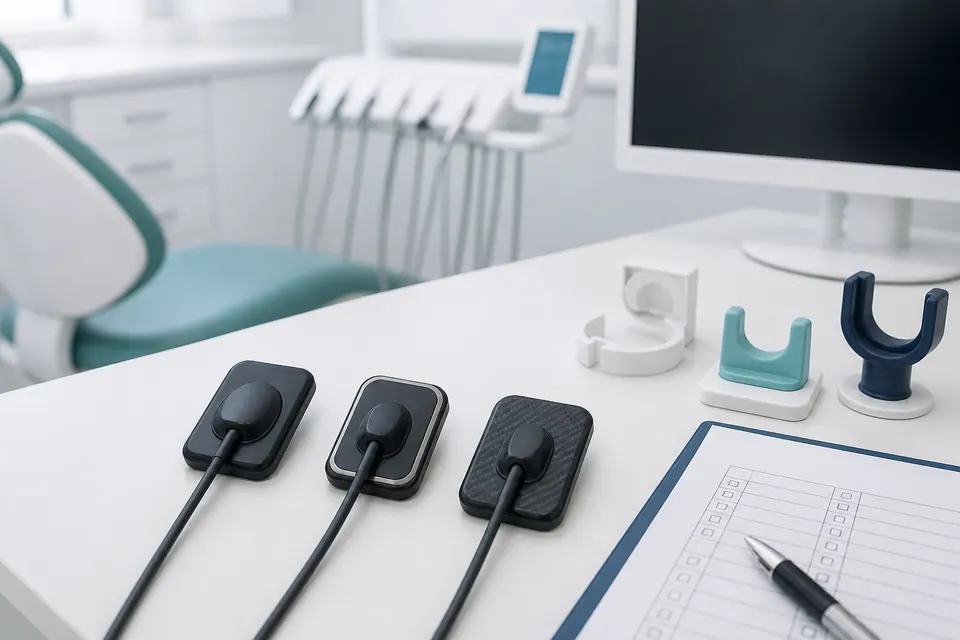
Digital X-ray sensors
Compare digital X-ray sensors by software fit, warranty, support, and ownership cost.
- Confirm imaging-software and workstation compatibility.
- Compare sensor sizes, holders, replacement exposure, and warranty terms.
- Model the cost of support, licenses, accessories, and downtime.
Imaging and communication
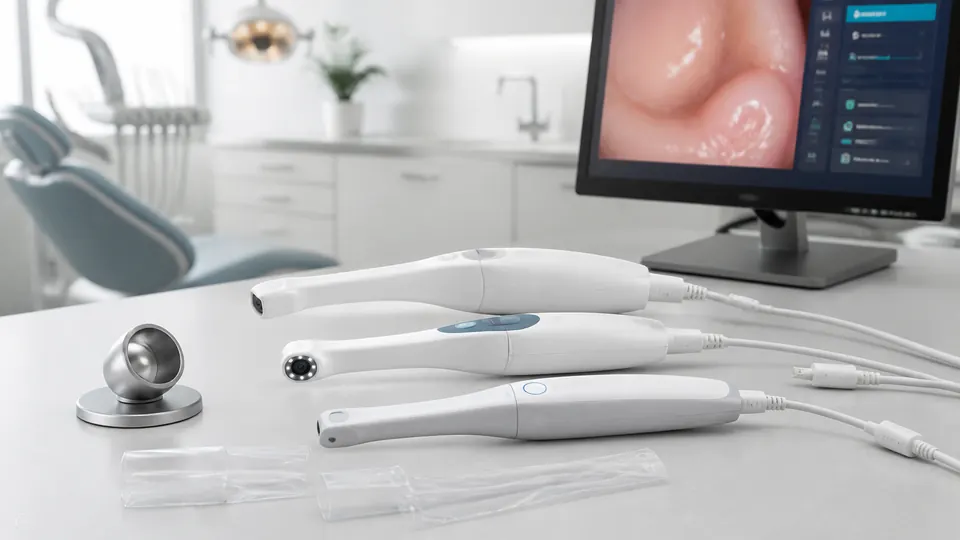
Intraoral cameras
Compare intraoral cameras by connection, capture controls, software integration, reprocessing limits, and support.
- Test the complete capture path in the software version you use.
- Check button behavior, saved-image output, and cable or wireless workflow.
- Resolve barrier, cleaning, warranty, and seller-support questions.
Instrument processing
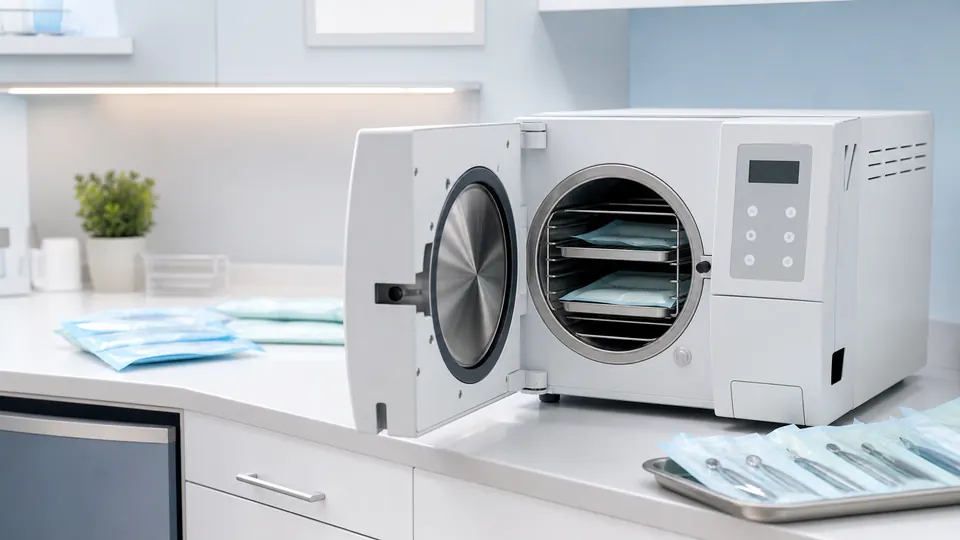
Dental autoclaves
Compare dental autoclaves by documented load suitability, chamber size, monitoring, service, and total ownership cost.
- Match documented cycles to the practice's real instrument loads.
- Size capacity around peak throughput rather than nominal chamber volume.
- Budget installation, water, testing, maintenance, service, and downtime.
Room planning
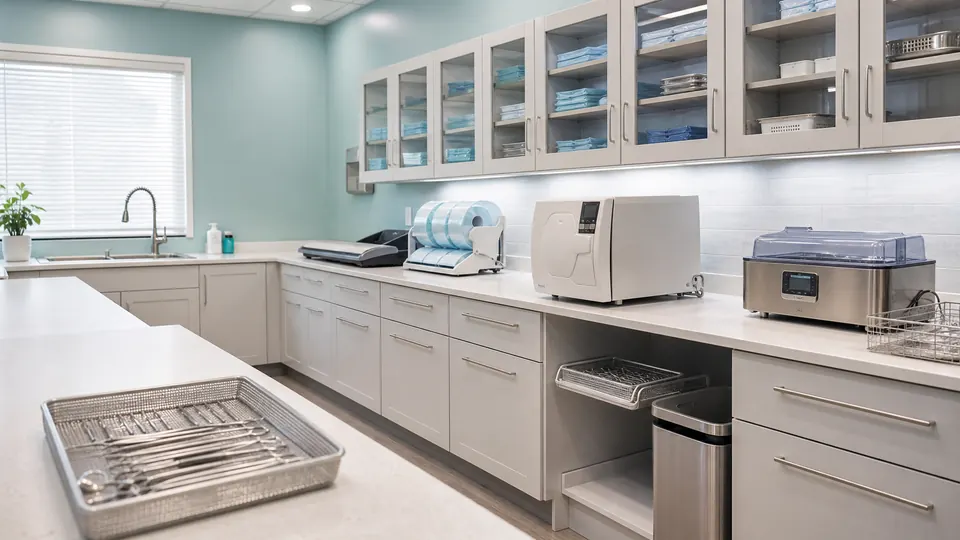
Sterilization room equipment
Plan a dental sterilization room around workflow zones, equipment capacity, utilities, monitoring, storage, and downtime.
- Separate receiving, cleaning, preparation, sterilization, and storage flows.
- Coordinate power, water, drainage, ventilation, counters, and clearances.
- Plan capacity and backup routes before equipment placement is fixed.
Operatory infrastructure
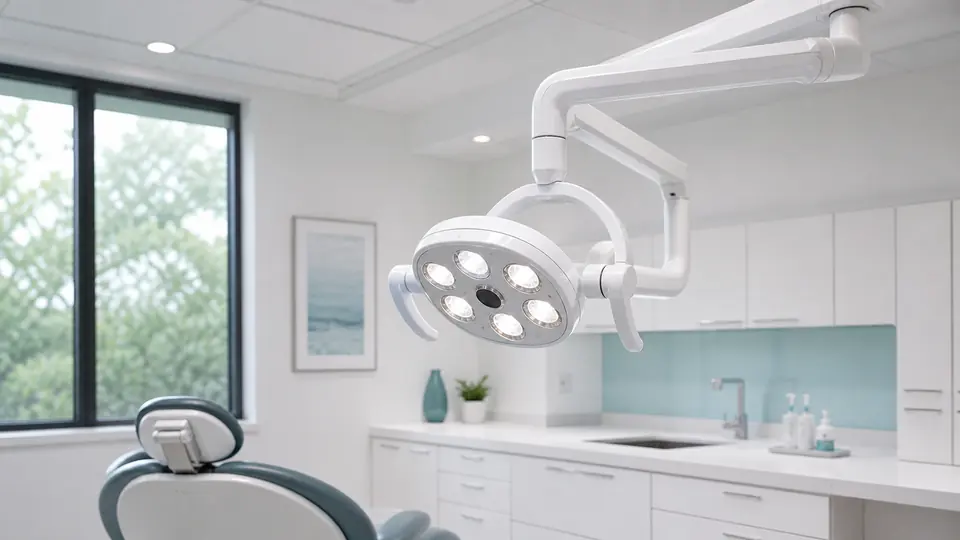
Dental exam lights
Compare dental exam lights by mounting route, installation, optical evidence, cleanability, and support.
- Choose ceiling, wall, cabinet, chair, or mobile mounting deliberately.
- Verify electrical, structural, reach, and clearance requirements.
- Compare documented illumination, controls, cleaning, parts, and service.
Instrument cleaning
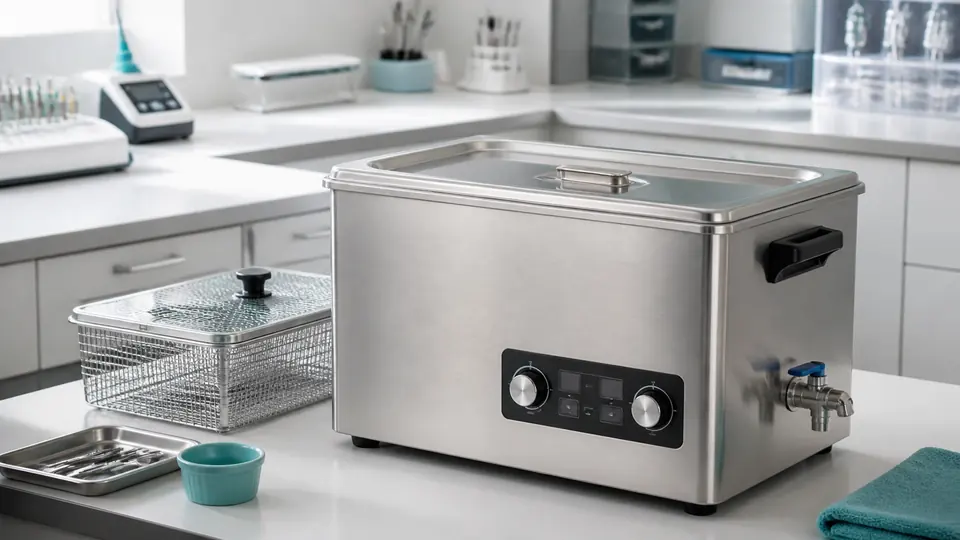
Ultrasonic cleaners
Compare ultrasonic cleaners by tank size, controls, installation, material compatibility, and downstream processing.
- Size usable tank capacity around baskets, cassettes, and daily batches.
- Check power, drainage, lid, heating, timer, and chemistry requirements.
- Document rinsing, drying, inspection, packaging, and sterilization handoffs.
Clinical documentation
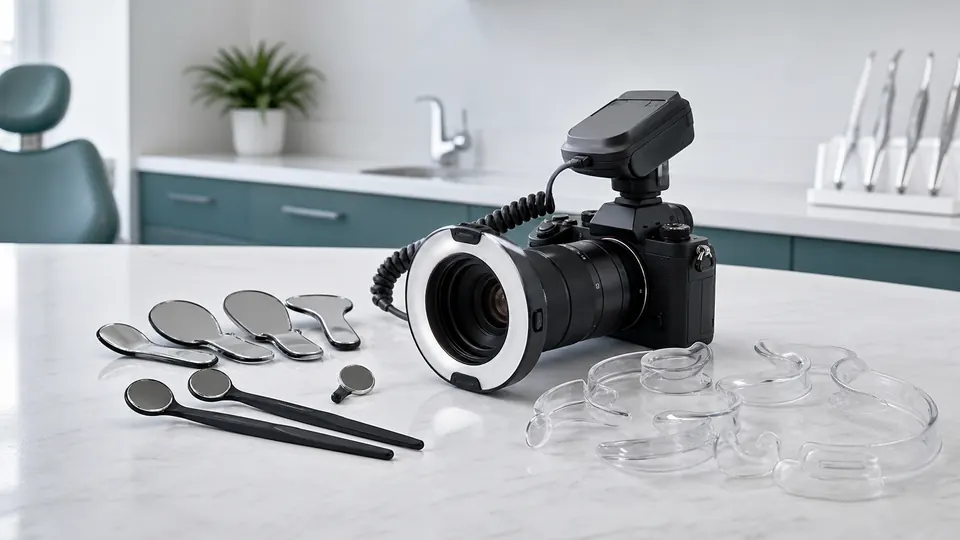
Dental photography kits
Build a dental photography kit around a repeatable documentation workflow.
- Choose a camera or phone route around repeatable clinical views.
- Coordinate macro optics, lighting, retractors, mirrors, and contrastors.
- Standardize exposure, white balance, file handling, cleaning, and storage.
Operator ergonomics
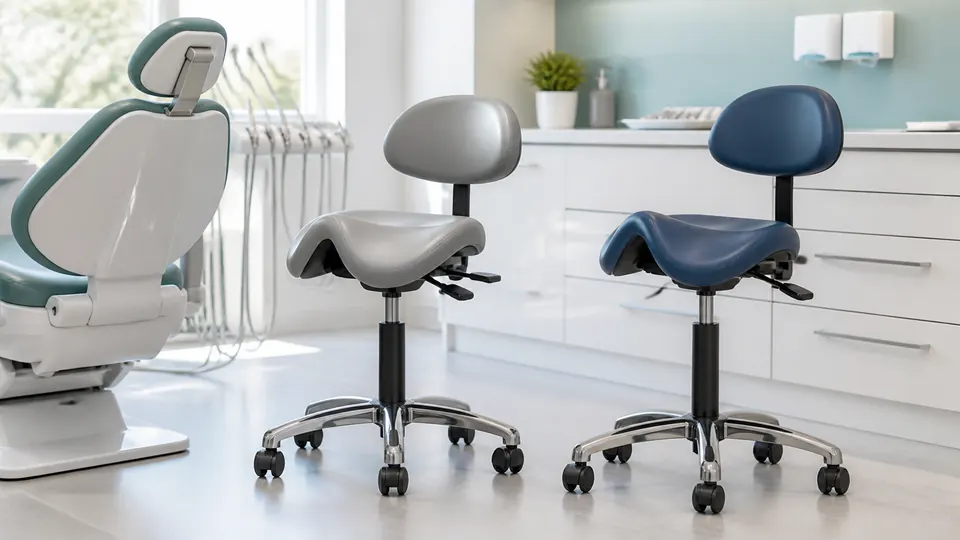
Dental operator stools
Compare operator stools by measurable fit, adjustment, and return terms.
- Measure usable seat-height range, seat dimensions, and base footprint.
- Test working positions, foot-control access, movement, and cleanability.
- Check trial, return freight, upholstery, cylinder, warranty, and parts terms.
Mobile equipment
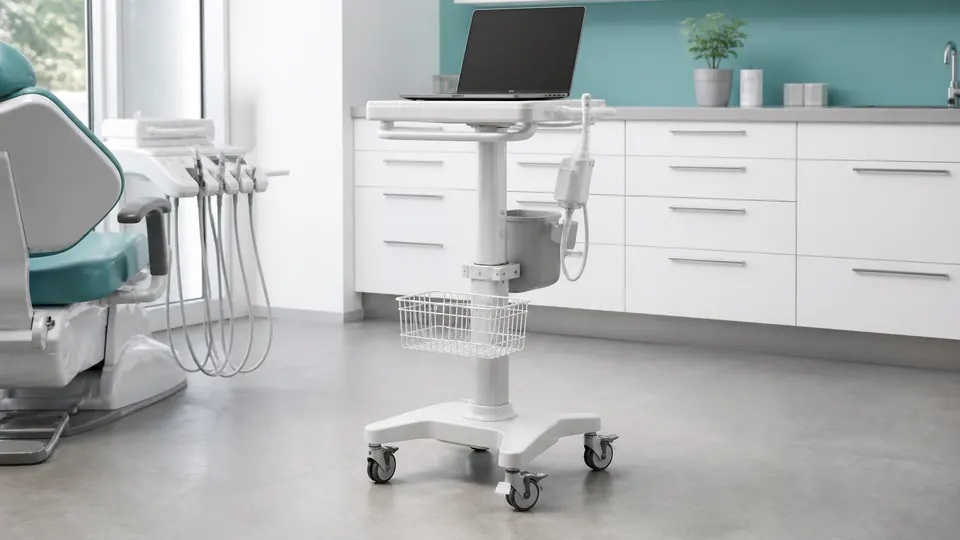
Scanner carts and trolleys
Compare scanner carts and trolleys for device fit, power, cable management, and cleaning.
- Measure trays, cradles, VESA mounts, devices, doorways, and working height.
- Verify shelf, arm, caster, and total load limits for the complete setup.
- Plan power routing, cable strain relief, movement, storage, and cleaning.
Restorative and laboratory
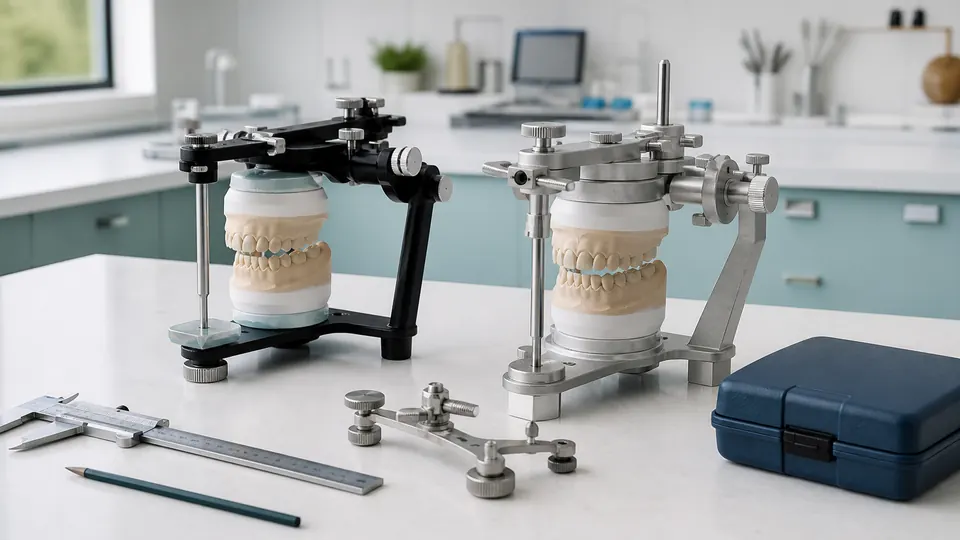
Dental articulators
Compare dental articulators by adjustment, documentation, package contents, and support.
- Separate simple hinge use from semi-adjustable workflow requirements.
- Confirm facebow, mounting plates, adjustment ranges, and included parts.
- Check calibration, manuals, replacement components, warranty, and support.
Magnification and lighting
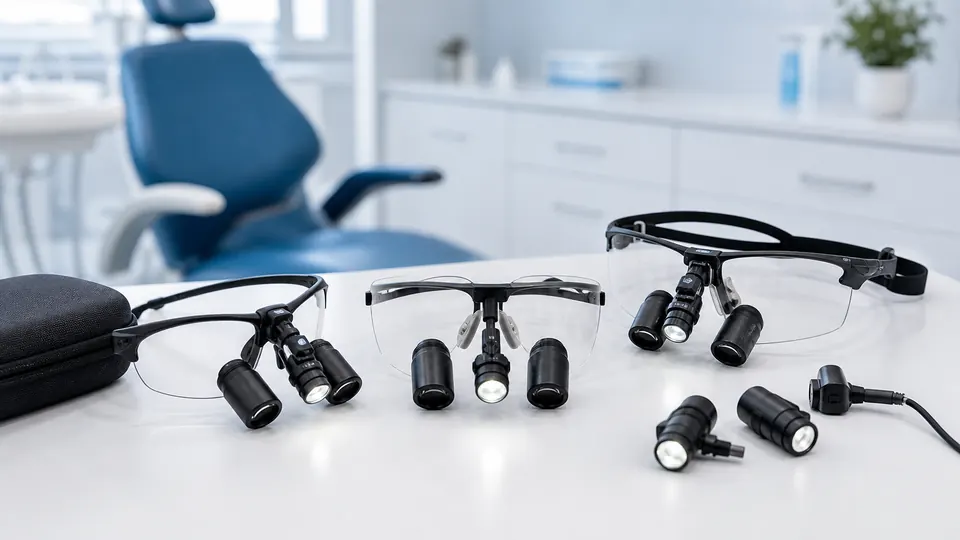
Dental loupes and headlights
Compare dental loupes and headlights with a fitting-first checklist.
- Match working distance, declination, magnification, and prescription needs.
- Evaluate complete-system weight, light position, batteries, and cleaning.
- Prioritize fitting, trial, remake, return, warranty, and regional service terms.
Digital production
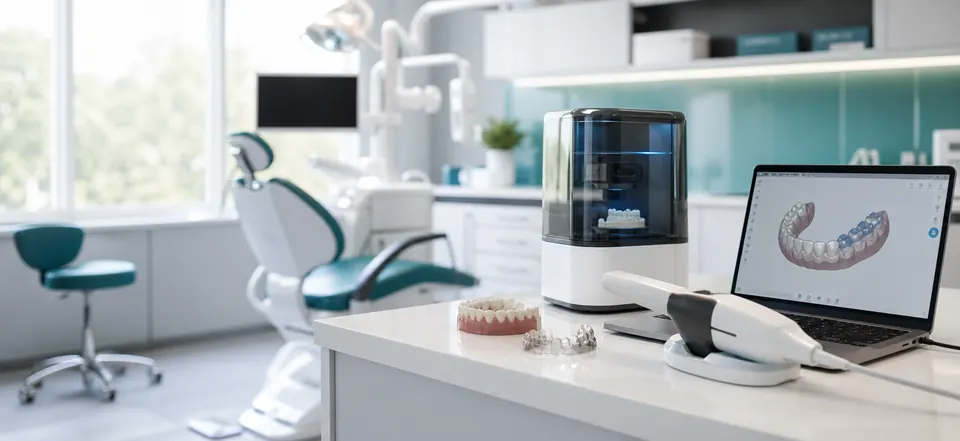
Dental 3D-printing costs
Compare dental 3D-printer and post-processing costs before budgeting a printing workflow.
- Budget printer, wash, cure, software, resin, tanks, and accessories together.
- Match validated materials and post-processing to intended applications.
- Estimate training, labor, failures, service, ventilation, and cost per usable part.
Plan dependencies first
Treat equipment as connected workflows
An equipment decision rarely ends at the device. Imaging products depend on software, workstations, networking, storage, holders, and support. Instrument-processing equipment depends on room zoning, utilities, capacity, monitoring, packaging, and documented handoffs. Operatory products depend on mounting, reach, power, cleanability, ergonomics, and replacement access.
Map the input and output
Record what enters the workflow, what the equipment produces, where that output goes next, and which people or systems own each handoff.
Validate the real environment
Test the proposed configuration with the rooms, instruments, software versions, network, operators, and daily volume the practice will actually use.
Plan failure and downtime
Document support contacts, spare or loaner arrangements, replacement lead times, manual fallback routes, and the cost of interrupted service.
Total ownership cost
Build every equipment budget from five layers
- Purchase: the exact model, configuration, accessories, starter consumables, freight, tax, and financing terms.
- Installation: construction, mounting, utilities, IT work, software setup, commissioning, validation, and room downtime.
- Adoption: training, implementation time, workflow changes, reduced early throughput, and documentation updates.
- Operation: subscriptions, materials, barriers, holders, cleaning products, testing, maintenance, storage, and staff time.
- Risk: warranty exclusions, service response, loaners, replacement parts, obsolescence, failed cases, and business interruption.
Ask suppliers to return an itemized proposal against these layers. A lower hardware price can become the more expensive option when required modules, installation work, consumables, or service coverage are omitted.
Practical next steps
A useful planning order for a new practice
List required workflows and daily capacity
Start with procedures, imaging, documentation, instrument volume, operator count, room use, and opening-day priorities.
Document rooms, utilities, software, and dependencies
Capture dimensions, mounting points, power, water, drainage, network, workstations, storage, and downstream systems.
Use the specialist guides to build shortlists
Compare the categories above with consistent criteria, then demonstrate the shortlisted workflow in the intended environment.
Put scope, support, and ownership terms in writing
Confirm the complete package, installation, training, acceptance, warranty, service response, recurring costs, and fallback plan.